
Projects: one goal, many repos
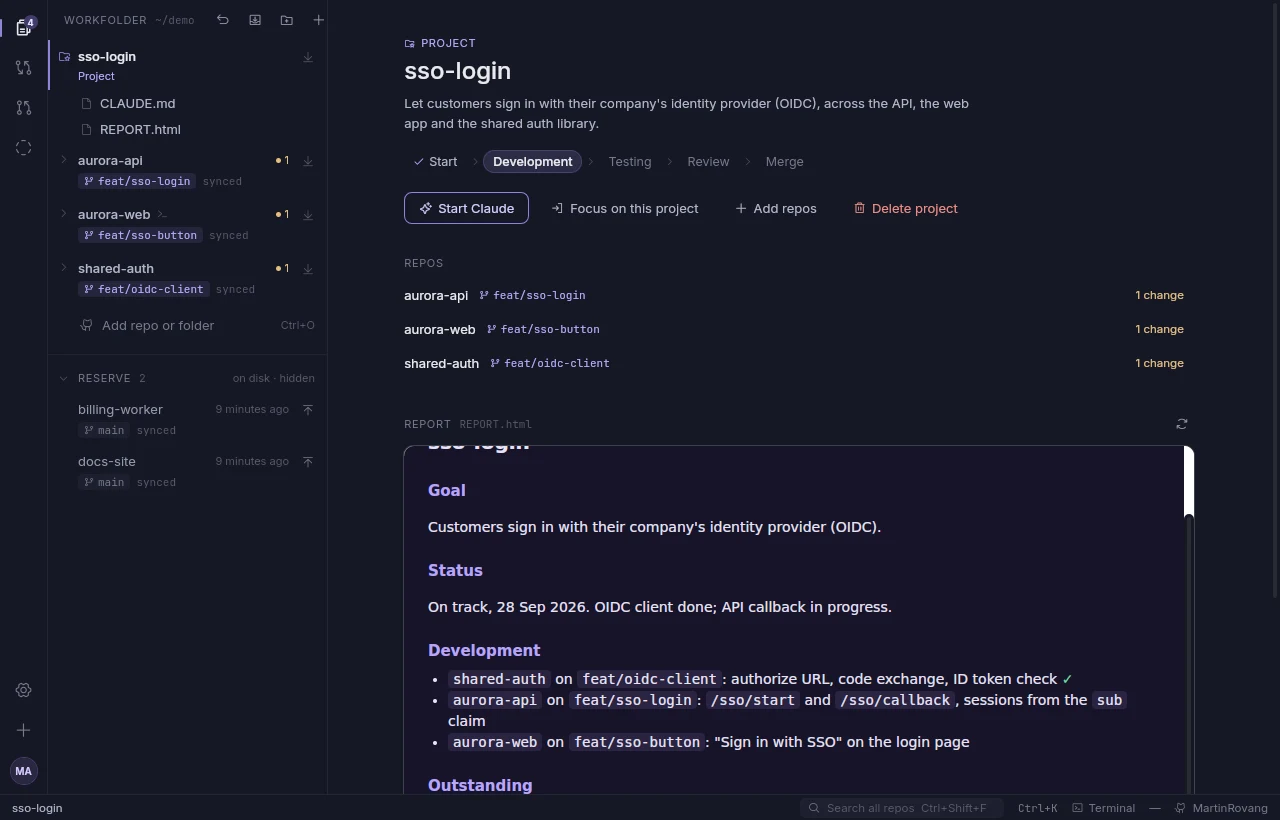
Most real work touches more than one repository. Pick the repos, write the goal, and Nimbus makes a project folder with them linked inside and a CLAUDE.md that tells Claude what to do. Claude reports back on a GitHub issue or an HTML page: what's done, what's left, where it's stuck.

- StartClaude reads the repos and writes the plan into the report.
- DevelopmentBranches and worktrees per repo, changes made side by side.
- TestingTests run in every repo, results land in the report.
- ReviewSelf-review each change and gather feedback.
- MergeAn agreed merge order, then merge, CI, deploy and check, one step at a time.
Claude asks before it moves to the next phase. While you work in a project, everything else waits in reserve; Exit brings back what you had out.
What it does
Nimbus is a small desktop app built around git. It isn't trying to be your editor; it's where you keep every repo you're working on, and where you check your work before it leaves your machine.
- Projects
- Group repos around a goal. Claude works through it in phases, from plan to merge, and keeps a report on a GitHub issue or an HTML page. The project page shows the goal, its repos, the phase and Claude's latest report.
- Workfolder and reserve
- Every repo lives side by side in
~/work, and folders from elsewhere can be linked in. Each session starts empty: bring back what you need, grouped by when you last used it or by groups you make yourself. - Source control
- Stage, commit, switch and create branches, pull and push, with unified or side-by-side diffs. Switch every repo back to main in one go.
- Pull requests
- Open, read, check out and squash-merge pull requests through the GitHub CLI, with their checks and changed files.
- AI self-review
- Claude Code reads your changes with read-only tools and points at the lines worth another look, with a suggested fix. Ask it follow-up questions. Nothing is posted anywhere unless you post it.
- Real terminals
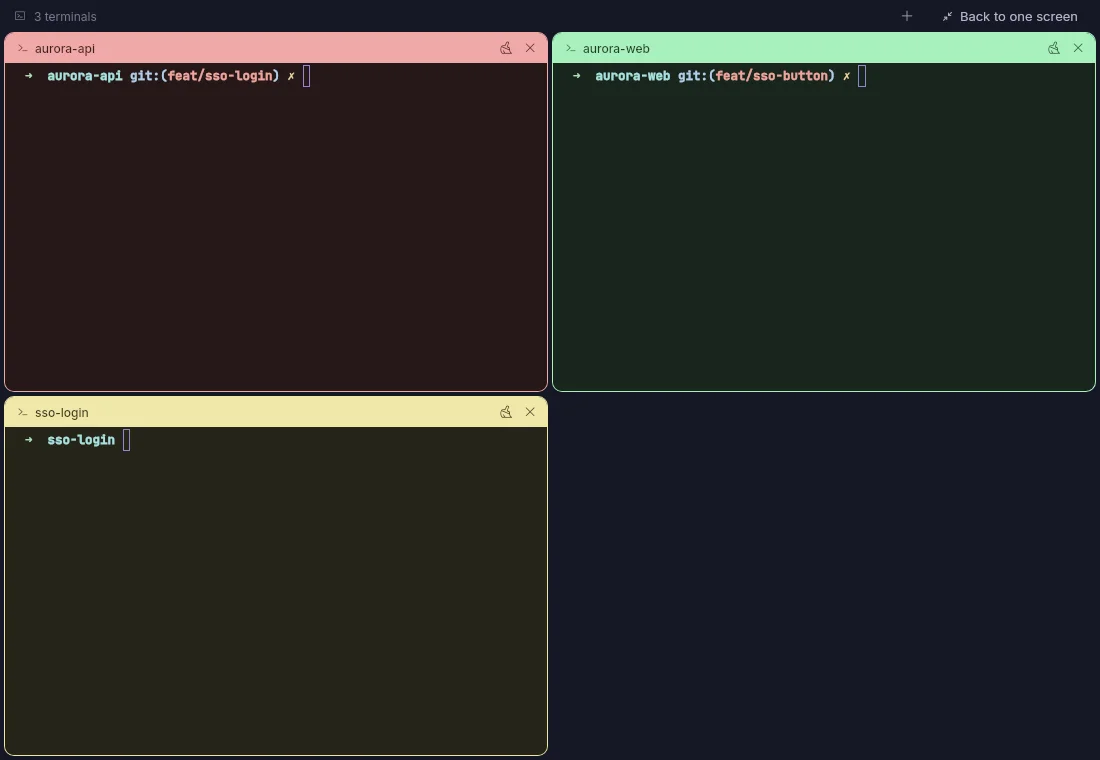
- A shell per repo. Editors, dev servers and colours all work. Pop terminals out and snap them to edges or a grid, or put them all on a second screen.
- A guided tour
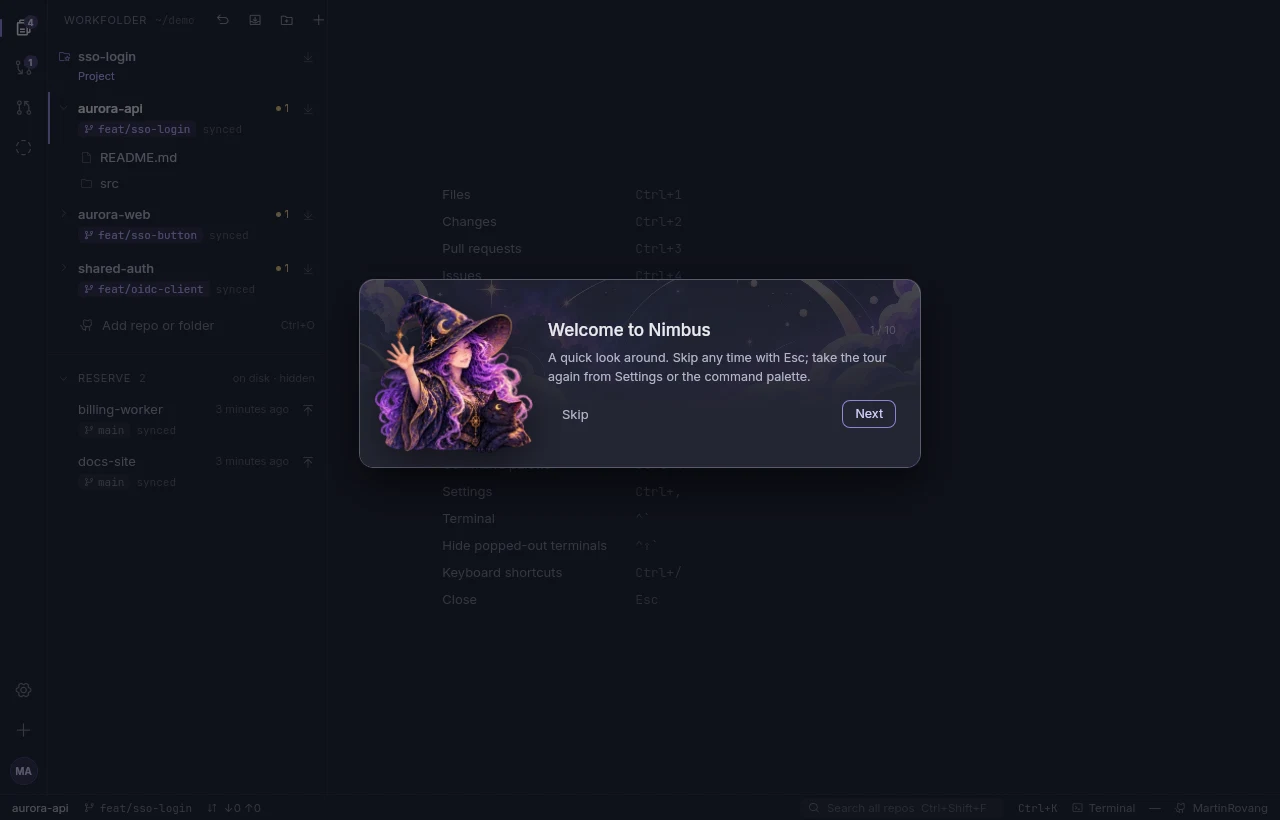
- Nimbus's witch shows you around on the first start. Take the tour again any time from Settings or the command palette.
- Themes and plugins
- Four themes to start with. Plugins add their own themes, commands, right-click entries and status bar items.
- Updates itself
- New releases are signed, install when Nimbus starts, and come with a short note on what changed.
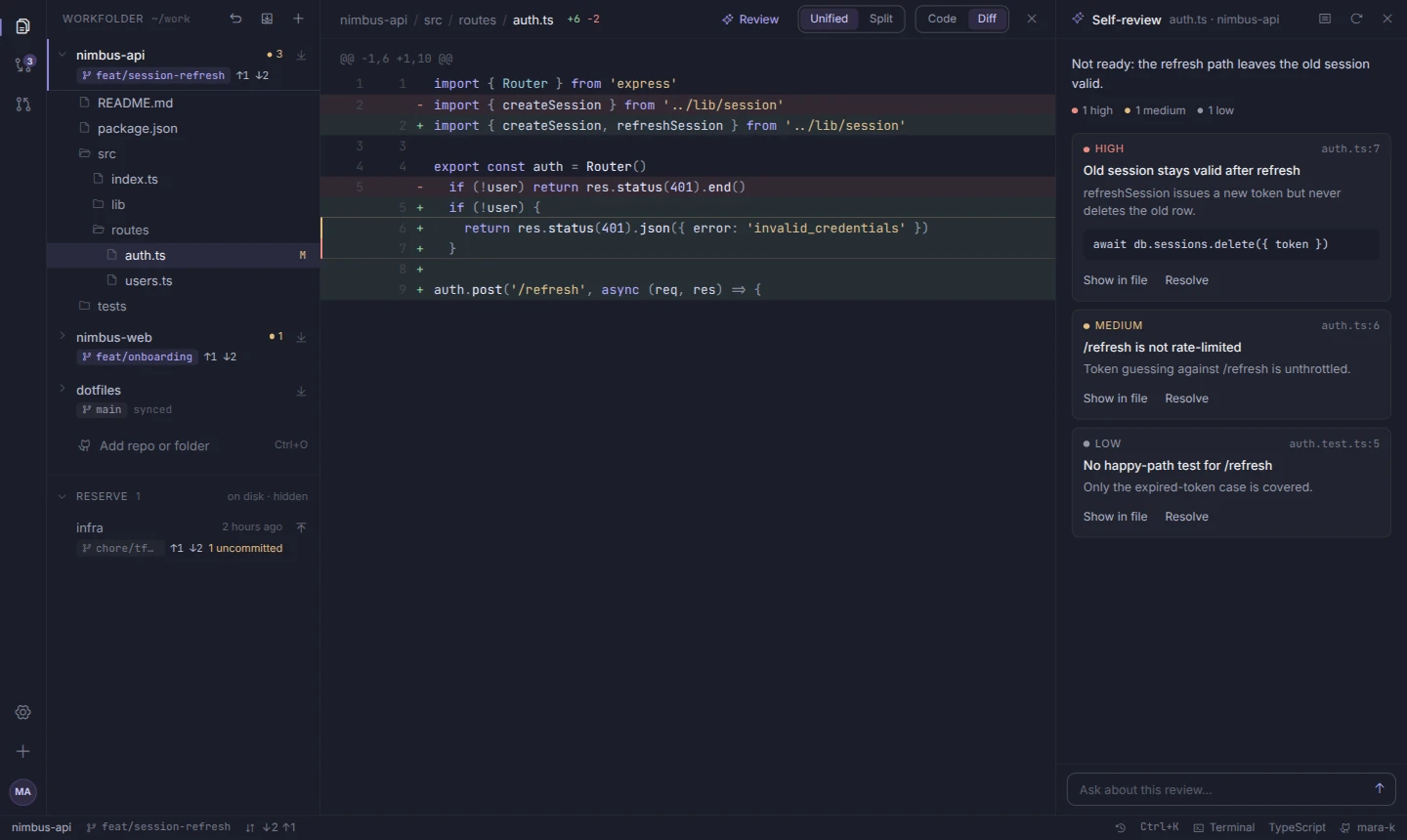
AI self-review: Claude points at the lines worth another look before you commit.
How a session goes
- Open NimbusYour workfolder starts empty. Yesterday's repos wait in reserve.
- Bring back what you needPick repos one by one, or restore the last set in one click.
- Do the workStart a project or pick one up. Change, review with Claude, commit and open pull requests.
- Close itNext time, the same repos are one click away.
Install
One command, no sudo. It puts nimbus (and the short nb) on your PATH and adds Nimbus to your app menu and desktop. The first start walks you through GitHub, your workfolder and a theme, then the tour.

You'll need
- Linux on x86_64
- WebKitGTK 4.1:
sudo apt install libwebkit2gtk-4.1-0on Debian and Ubuntu git- Optional: the GitHub CLI for your repos and pull requests
- Optional: Claude Code for AI self-review
Build it yourself
With Rust and Node installed:
git clone https://github.com/MartinRovang/nimbus
cd nimbus && ./install.sh
Remove it
rm ~/.local/bin/nimbus ~/.local/bin/nb ~/.local/share/applications/nimbus.desktop ~/Desktop/nimbus.desktop